WordPress Security Best Practices
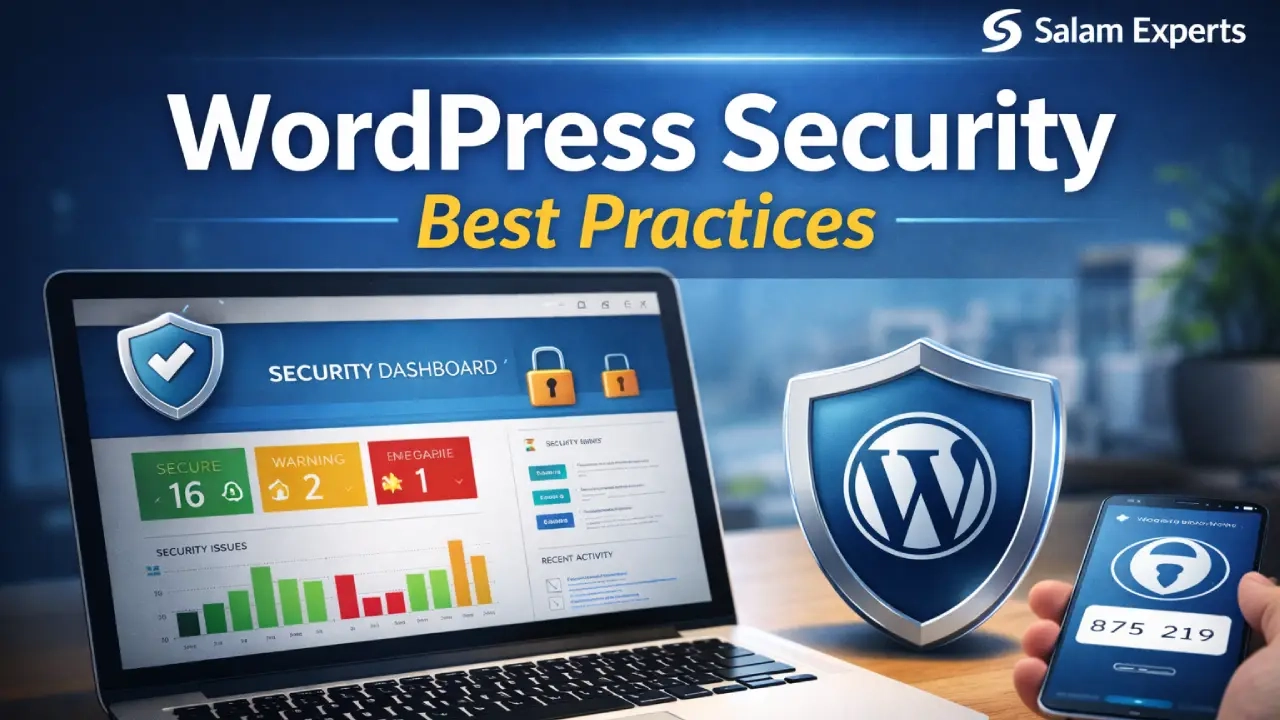
WordPress powers over 40% of websites worldwide, making it one of the most popular platforms. However, its popularity also makes it a prime target for hackers. Securing your WordPress website is crucial to protect your data, your visitors, and your online reputation. In this guide, we will cover the most important WordPress security best practices that every site owner should implement.
1. Keep WordPress Core, Themes, and Plugins Updated
One of the most common reasons websites get hacked is outdated software. Always ensure that your WordPress core, themes, and plugins are up to date. Updates often include security patches that prevent vulnerabilities from being exploited. Additionally, remove any plugins or themes that you are not using, as they can become a hidden security risk.
2. Use Strong Passwords and Enable Two-Factor Authentication
Weak passwords make it easy for hackers to access your site. Use strong, unique passwords for all user accounts, and never reuse passwords across different platforms. Enabling two-factor authentication (2FA) adds an extra layer of protection by requiring a verification code during login.
3. Limit Login Attempts
Hackers often use brute force attacks to guess passwords. Limiting login attempts on your website prevents multiple failed login tries from the same IP address. Many security plugins allow you to automatically block suspicious IP addresses after repeated failed attempts.
4. Install a Reliable Security Plugin
A good security plugin can help you monitor and protect your website. Popular options like Wordfence, Sucuri, and iThemes Security provide features such as malware scanning, firewall protection, login security, and real-time threat monitoring. These tools make it easier to detect and prevent attacks before they cause damage.
5. Regular Backups
Even with strong security measures, accidents and hacks can still happen. Regular backups ensure that you can quickly restore your website if something goes wrong. Use plugins like UpdraftPlus or your hosting provider’s backup solution to schedule automatic backups and store them safely off-site.
6. Use HTTPS and an SSL Certificate
Installing an SSL certificate and using HTTPS encrypts the data exchanged between your website and your visitors. This not only improves security but also builds trust with your users and is favored by search engines for better rankings.
7. Remove Unused Plugins, Themes, and Accounts
Unused plugins, themes, or old user accounts can become vulnerabilities over time. Regularly audit your website and delete anything that is not necessary. Keeping your website lean reduces the potential entry points for hackers.
8. Secure Your Admin Area
Consider changing the default WordPress login URL and limiting access to your wp-admin folder. You can also restrict access by IP address for admin users, making it harder for unauthorized users to attempt login.
Conclusion
Implementing these WordPress security best practices will greatly reduce the risk of your website being hacked. Always keep your software updated, use strong passwords, monitor your site for suspicious activity, and have regular backups. Security is an ongoing process, but with these steps, you can ensure your WordPress site remains safe and reliable for your visitors.