
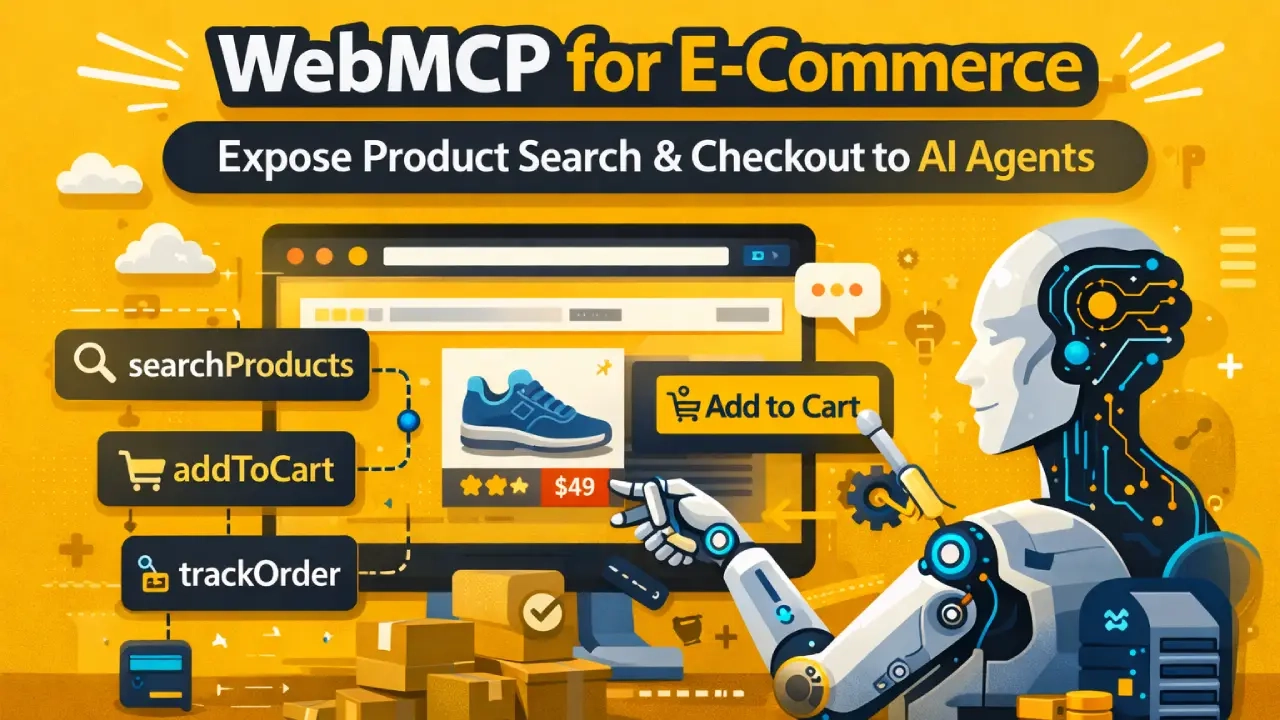
E-commerce is one of the highest-value use cases for WebMCP. When a user asks an AI agent to “find me a firm buckwheat pillow under $80 with free shipping,” the agent needs to search your catalog, apply filters, and surface results — all without a human clicking through your interface.
Without WebMCP, the agent scrapes your page and hopes your filters work. With WebMCP, it calls searchProducts() directly and gets structured results in milliseconds. This guide shows you how to build e-commerce tools the right way.
Case Study Reference
Salam Experts grew organic traffic for CNH Pillow by 283% and achieved 99% site health through technical SEO and performance improvements.
WebMCP is the next layer — making the site not just discoverable but directly actionable by AI agents.
The Five Core E-Commerce Tools to Implement
1. searchProducts — Your Most Important Tool
This is the tool agents will call most. Design it carefully.
navigator.modelContext.registerTool({
  name: "searchProducts",
  readOnly: true,
  description: "Search the product catalog.
    Accepts: query (keyword), category (optional),
    maxPrice (number, optional), inStockOnly (boolean).
    Returns: up to 10 products with name, price,
    availability, and product URL.",
  inputSchema: {
    type: "object",
    properties: {
      query: { type: "string",
        description: "Search keyword" },
      category: { type: "string",
        description: "Product category (optional)" },
      maxPrice: { type: "number",
        description: "Maximum price in USD (optional)" },
      inStockOnly: { type: "boolean",
        description: "Return only in-stock items" }
    },
    required: ["query"]
  },
  async execute({ query, category, maxPrice, inStockOnly }) {
    const params = new URLSearchParams({ q: query });
    if (category) params.set("cat", category);
    if (maxPrice) params.set("price_max", maxPrice);
    if (inStockOnly) params.set("stock", "1");
    const res = await fetch(`/api/products/search?${params}`);
    const { products } = await res.json();
    return { content: [{
      type: "text",
      text: JSON.stringify(products.slice(0, 10))
    }]};
  }
});
2. getProductDetails — Deep Dive on One Item
navigator.modelContext.registerTool({
  name: "getProductDetails",
  readOnly: true,
  description: "Get full details for a specific product.
    Accepts: productId (string). Returns: name, price,
    description, dimensions, materials, reviews summary,
    shipping options, and stock count.",
  inputSchema: {
    type: "object",
    properties: {
      productId: { type: "string",
        description: "Product ID from search results" }
    },
    required: ["productId"]
  },
  async execute({ productId }) {
    const res = await fetch(`/api/products/${productId}`);
    return { content: [{
      type: "text", text: await res.text()
    }]};
  }
});
3. addToCart — Write Tool
navigator.modelContext.registerTool({
  name: "addToCart",
  readOnly: false,  // requires user confirmation
  description: "Add a product to the shopping cart.
    Accepts: productId (string), quantity (number, default 1),
    variant (optional string for size/color).
    Returns: updated cart summary.",
  inputSchema: {
    type: "object",
    properties: {
      productId: { type: "string" },
      quantity: { type: "number", minimum: 1, default: 1 },
      variant: { type: "string",
        description: "Size, color, or other variant" }
    },
    required: ["productId"]
  },
  async execute({ productId, quantity = 1, variant }) {
    const res = await fetch("/api/cart/add", {
      method: "POST",
      headers: { "Content-Type": "application/json" },
      body: JSON.stringify({ productId, quantity, variant })
    });
    const cart = await res.json();
    return { content: [{
      type: "text",
      text: `Added to cart. Total: ${cart.total}.
        ${cart.itemCount} items. Proceed to checkout
        at ${cart.checkoutUrl}`
    }]};
  }
});
4. getShippingOptions
navigator.modelContext.registerTool({
  name: "getShippingOptions",
  readOnly: true,
  description: "Get available shipping options and
    costs for a given destination zip code.
    Returns: list of options with carrier, speed,
    and price.",
  inputSchema: {
    type: "object",
    properties: {
      zipCode: { type: "string",
        description: "US zip code" },
      cartTotal: { type: "number",
        description: "Cart total in USD (for free
        shipping threshold check)" }
    },
    required: ["zipCode"]
  },
  async execute({ zipCode, cartTotal }) { /* ... */ }
});
5. trackOrder — Post-Purchase Tool
navigator.modelContext.registerTool({
  name: "trackOrder",
  readOnly: true,
  description: "Track order status using order number
    and email. Returns: current status, carrier,
    tracking number, and estimated delivery date.",
  inputSchema: {
    type: "object",
    properties: {
      orderNumber: { type: "string" },
      email: { type: "string", format: "email" }
    },
    required: ["orderNumber", "email"]
  },
  async execute({ orderNumber, email }) { /* ... */ }
});
Shopify-Specific Implementation
Shopify stores can use the Storefront API to back WebMCP tools. Your execute() functions call Shopify’s GraphQL endpoint, keeping all product data in sync automatically.
async execute({ query, maxPrice }) {
  const graphqlQuery = `
    query SearchProducts($query: String!) {
      products(first: 10, query: $query) {
        edges { node {
          id title handle
          priceRange {
            minVariantPrice { amount }
          }
          availableForSale
        }}
      }
    }
  `;
  const res = await fetch("/api/shopify-storefront", {
    method: "POST",
    headers: {
      "Content-Type": "application/json",
      "X-Shopify-Storefront-Access-Token": window.STOREFRONT_TOKEN
    },
    body: JSON.stringify({ query: graphqlQuery,
      variables: { query } })
  });
  // Filter and return...
}
Shopify Note
Use the public Storefront Access Token — never expose your Admin API token in client-side code. The Storefront API is designed for client-side use and is safe to use in WebMCP execute() functions.
What the Agent Experience Looks Like
When implemented correctly, an AI agent can handle a complete e-commerce task in seconds:
- User says: “Find me a firm buckwheat pillow under $80 with free shipping”
- Agent calls
searchProducts("buckwheat pillow", maxPrice: 80) - Agent calls
getProductDetails()on the top result - Agent calls
getShippingOptions()to confirm free shipping - Agent presents the option to the user: “Found one — $67, free shipping to your zip. Add to cart?”
- User says yes — agent calls
addToCart()— browser shows confirmation prompt — user approves - Booking confirmed. No page navigation. No form-filling. Done.
Compare this to the current alternative: the agent tries to navigate your site, clicks filters, screenshots results, and hopes nothing breaks. WebMCP replaces that entire fragile chain with five clean function calls.

Ready to implement WebMCP?
We implement WebMCP tools for Shopify and WooCommerce stores — product search, cart management, and checkout flows. Ask about our E-commerce WebMCP package.
Get WebMCP Readiness AuditRelated Reading
- WebMCP Imperative API Guide
- Shopify SEO Services
- E-Commerce SEO Services
- WebMCP Implementation Services