
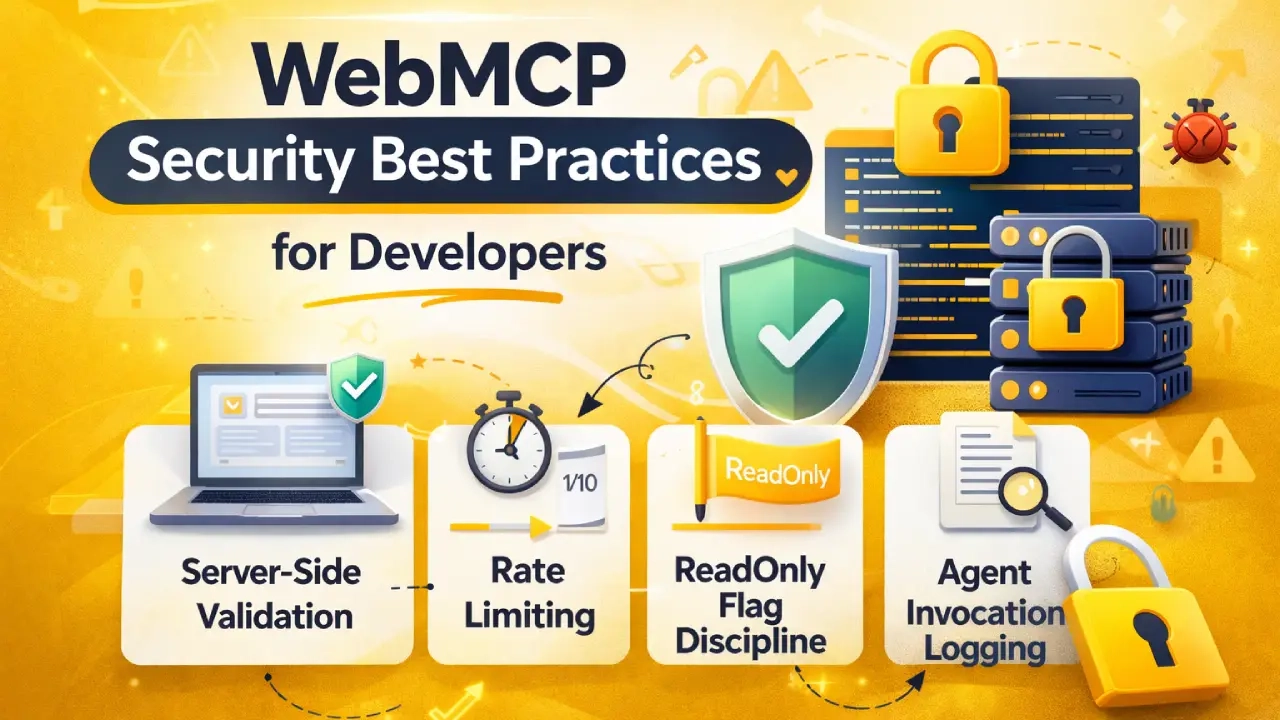
WebMCP opens a powerful new channel between your website and AI agents. Like any new capability, it introduces new attack surface that needs careful management. The good news: WebMCP was designed with security as a core principle, and most protections come from the browser platform itself.
This guide covers the key security considerations for WebMCP implementation, what the browser handles for you, and what you need to handle yourself.
What the Browser Handles Automatically
WebMCP inherits the browser’s existing security architecture. Several protections are built in and require no extra work from you:
- Same-Origin Policy
Tools registered on your site are scoped to your domain. An agent viewing site A cannot call tools registered on site B. Your tools are not accessible cross-origin by default. - HTTPS Requirement
navigator.modelContextis only available in secure contexts — HTTPS pages. If your page is served over HTTP, the API does not exist. This eliminates man-in-the-middle risks at the tool registration layer. - Content Security Policy (CSP) Integration
WebMCP respects your existing CSP directives. If you have a strict CSP, it applies to WebMCP API calls the same way it applies to other JavaScript. No special exceptions are created. - User Confirmation for Write Operations
Tools registered withreadOnly: falsetrigger a browser-managed confirmation prompt before the agent can execute them. The user must actively approve the action. This is enforced at the browser level — your code cannot bypass it.
What You Need to Handle Yourself
While the browser provides strong baseline protections, your implementation choices determine whether WebMCP is secure or exploitable.
1. Principle of Least Privilege
Only expose what an agent actually needs. Do not register tools that expose admin functionality, internal dashboards, or sensitive business logic just because you can.
Good practice
Register: searchProducts, getPublicPricing, bookConsultation
Do NOT register: getAdminUsers, exportAllOrders, deleteContent, updatePricing
If a tool would require authentication that agents do not have, do not register it.
2. Server-Side Validation
Your inputSchema validates on the client. That is not enough. Always validate and sanitize inputs server-side in your form handlers and API endpoints. Treat every tool invocation as you would any other HTTP request — potentially hostile.
// Client-side schema validation is for agent UX
// Server-side validation is for security
// server.js (Node example)
app.post("/api/book-audit", (req, res) => {
  const { name, email, website } = req.body;
  // Validate email format server-side
  if (!isValidEmail(email)) {
    return res.status(400).json({ error: "Invalid email" });
  }
  // Validate URL format
  try { new URL(website); } catch {
    return res.status(400).json({ error: "Invalid URL" });
  }
  // Sanitize text inputs
  const safeName = sanitize(name);
  // Proceed with validated data
  createBooking({ name: safeName, email, website });
  res.json({ success: true });
});
3. Rate Limiting Tool Endpoints
AI agents can call tools rapidly — much faster than humans fill forms. If your tool endpoints are not rate-limited, a poorly designed agent (or a malicious one) could hammer your server.
Apply rate limiting to any endpoint that a WebMCP tool calls:
- Booking endpoints: 5-10 requests per hour per IP
- Search endpoints: 60-100 requests per minute (higher is fine for read-only)
- Quote request endpoints: 3-5 per hour per IP
4. Agent Invocation Logging
Log when your tools are called by agents vs. humans. This gives you visibility into agent traffic and lets you detect anomalies.
// Client-side: capture agent invocation flag
document.querySelector("#booking-form")
  .addEventListener("submit", function(e) {
  // e.agentInvoked is true when WebMCP agent submits
  const source = e.agentInvoked ? "agent" : "human";
  // Add to form data
  this.querySelector("[name=_source]").value = source;
});

// Server-side: log it
const source = req.body._source || "unknown";
logger.info({ event: "booking", source, email, website });
// Store in your CRM, database, or analytics
5. Read-Only Flag Discipline
Never set readOnly: true on a tool that takes any action, creates any record, or sends any data. The distinction:
| Always readOnly: true | Always readOnly: false |
|---|---|
| searchProducts, getPrice | addToCart, placeOrder |
| listServices, getCaseStudy | bookConsultation, submitQuote |
| getShippingOptions | requestAudit, contactUs |
| checkAvailability | cancelOrder, updateProfile |
6. Graceful Failure Design
When your tool fails — API is down, validation fails, rate limit hit — always return a clear, safe error message. Never expose stack traces, internal paths, or sensitive error details in the tool response.
// BAD: exposes internal details
return { content: [{ type: "text",
  text: `Error: ECONNREFUSED 127.0.0.1:5432
         at /home/app/server.js:142` }] };

// GOOD: safe, helpful message
return { content: [{ type: "text",
  text: "Service temporarily unavailable.
         Please visit salamexperts.com/contact/
         or try again in a few minutes." }] };
Security Checklist Before Going Live
| Security Check | Done? |
|---|---|
| All WebMCP pages served over HTTPS | ☐ |
| Only public-safe tools are registered | ☐ |
| No admin or authenticated-only tools exposed | ☐ |
| All tool endpoints validate server-side | ☐ |
| Inputs sanitized before use in DB or emails | ☐ |
| Rate limiting applied to all tool endpoints | ☐ |
| Write tools use readOnly: false | ☐ |
| Error messages are safe (no stack traces) | ☐ |
| Agent invocation logging in place | ☐ |
| CSP reviewed for WebMCP compatibility | ☐ |
Staying Current as the Spec Evolves
WebMCP is still in early preview. The security model may receive updates as the W3C review process continues and real-world implementations reveal edge cases. Stay current by:
- Following the W3C WebMCP GitHub repository for spec changes
- Monitoring Chrome release notes for WebMCP-related updates
- Subscribing to Chrome for Developers blog (developer.chrome.com/blog)
- Re-reviewing your implementation when major spec versions are released

Ready to implement WebMCP?
Want your WebMCP implementation security-reviewed before go-live? We audit tool exposure, validate server-side handling, and review rate limiting as part of our Enterprise package.
Get WebMCP Readiness AuditRelated Reading
- WebMCP Declarative API Guide
- WebMCP Imperative API Guide
- How to Enable WebMCP in Chrome
- WebMCP Implementation Services