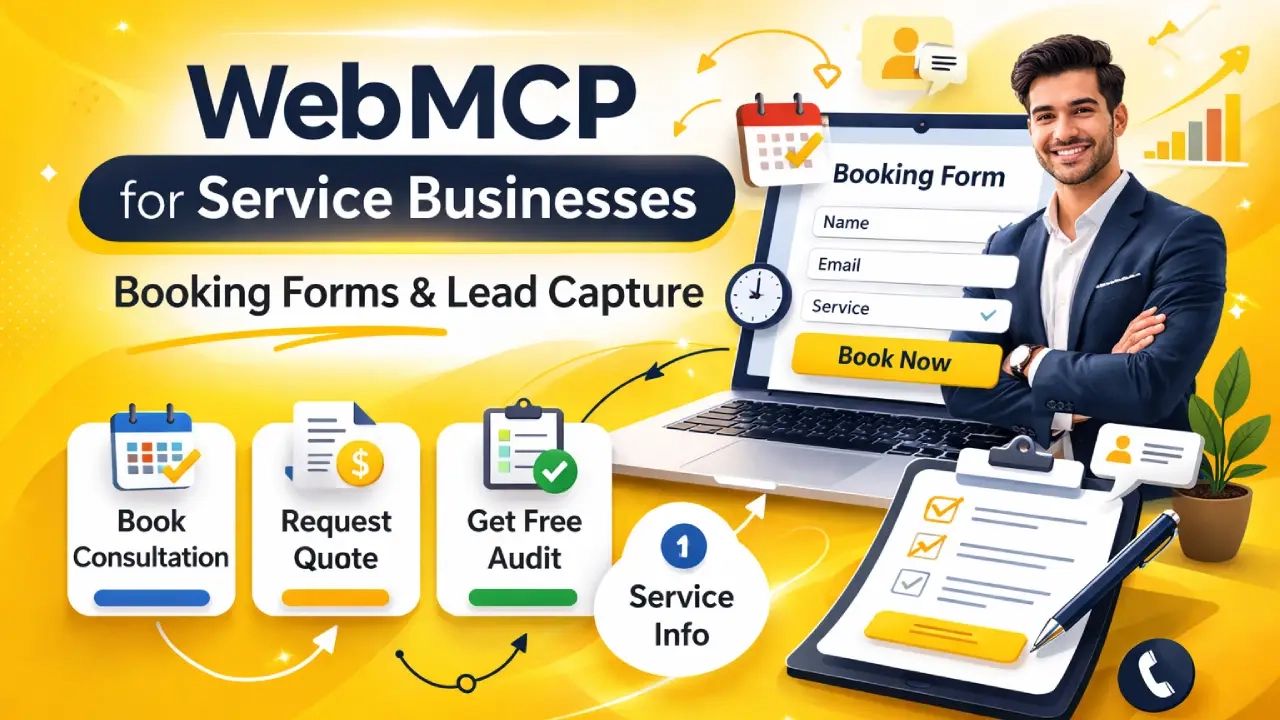
For service businesses — agencies, consultants, contractors, healthcare providers, legal firms — the most valuable action a visitor can take is booking a consultation, requesting a quote, or submitting a lead form.
WebMCP makes all of these actions directly callable by AI agents. This matters because an increasing share of your future clients will use AI assistants to research and book services on their behalf. If your site is not agent-ready, those clients go to a competitor that is.
This guide covers the specific tools every service business should implement, with copy-ready code you can adapt immediately.
The Four Tools Every Service Business Needs
Tool 1: bookConsultation
The most important tool on any service site. Every agency, consultant, or professional service firm should have this.
<form
  action="/book-consultation"
  method="POST"
  toolname="bookConsultation"
  tooldescription="Book a free 30-minute consultation.
    Accepts: name (full name), email (email address),
    company (company name, optional), phone (phone,
    optional), serviceInterest (one of: seo,
    technical-seo, web-development, shopify),
    message (brief description of needs, optional).
    Returns: booking confirmation and calendar invite.">
  <input name="name" type="text" required>
  <input name="email" type="email" required>
  <input name="company" type="text">
  <input name="phone" type="tel">
  <select name="serviceInterest" required>
    <option value="seo">SEO</option>
    <option value="technical-seo">Technical SEO</option>
    <option value="web-development">Web Development</option>
    <option value="shopify">Shopify</option>
  </select>
  <textarea name="message"></textarea>
  <button type="submit">Book Free Consultation</button>
</form>
Tool 2: requestQuote
For businesses that provide pricing on request. Use this on service pages and pricing pages.
<form
  action="/request-quote"
  method="POST"
  toolname="requestServiceQuote"
  tooldescription="Request a custom service quote.
    Accepts: name, email, website (URL of business site),
    serviceType (enum: seo, technical-seo, shopify-seo,
    local-seo, web-dev), monthlyBudget (optional: under-500,
    500-1500, 1500-5000, 5000-plus), goals (optional text).
    Returns: confirmation and quote within 48 hours.">
  <input name="name" type="text" required>
  <input name="email" type="email" required>
  <input name="website" type="url" required>
  <select name="serviceType" required>...</select>
  <select name="monthlyBudget">...</select>
  <textarea name="goals"></textarea>
  <button type="submit">Get Quote</button>
</form>
Tool 3: getFreeAudit (Salam Experts-specific)
The free audit CTA is your highest-converting action. Make it agent-callable.
<form
  action="/free-audit"
  method="POST"
  toolname="requestFreeWebsiteAudit"
  tooldescription="Request a free SEO and technical
    website audit from Salam Experts.
    Accepts: name (text), email (email), website (URL
    to audit), mainConcern (optional: traffic, rankings,
    speed, conversions).
    Returns: confirmation. Audit delivered via email
    within 2 business days. No cost, no obligation.">
  <input name="name" type="text" required>
  <input name="email" type="email" required>
  <input name="website" type="url" required>
  <select name="mainConcern">
    <option value="traffic">Low traffic</option>
    <option value="rankings">Poor rankings</option>
    <option value="speed">Site speed</option>
    <option value="conversions">Low conversions</option>
  </select>
  <button type="submit">Get Free Audit</button>
</form>
Tool 4: getServiceInfo (Imperative — Read Only)
Let agents retrieve your service details and pricing without navigating between pages.
navigator.modelContext.registerTool({
  name: "getServiceInfo",
  readOnly: true,
  description: "Get details about a specific service
    offered by Salam Experts. Accepts: serviceName
    (enum: seo, technical-seo, shopify-seo, local-seo,
    web-development). Returns: service description,
    pricing tiers, typical timeline, and case studies.",
  inputSchema: {
    type: "object",
    properties: {
      serviceName: {
        type: "string",
        enum: ["seo","technical-seo","shopify-seo",
               "local-seo","web-development"]
      }
    },
    required: ["serviceName"]
  },
  async execute({ serviceName }) {
    // Return static or CMS-driven service data
    const services = {
      "technical-seo": {
        description: "Full technical SEO audit and fix",
        tiers: ["Starter $499", "Growth $999",
          "Enterprise custom"],
        timeline: "4-8 weeks",
        caseStudy: "CNH Pillow: 283% traffic growth"
      },
      // other services...
    };
    return { content: [{
      type: "text",
      text: JSON.stringify(services[serviceName]
        || "Service not found")
    }]};
  }
});
Where to Place These Tools
The right page placement maximizes agent discoverability:
| Tool | Best Pages |
|---|---|
| bookConsultation | Homepage, all service pages, contact page |
| requestServiceQuote | Pricing page, service pages, contact page |
| requestFreeWebsiteAudit | Homepage, blog posts, technical SEO pages |
| getServiceInfo | Homepage, services index page |
Register getServiceInfo on your homepage so agents visiting your site for the first time can immediately understand what you offer — no page navigation required.
Tracking Agent-Generated Leads
Once implemented, tag agent-sourced leads separately so you can measure WebMCP ROI. Use the SubmitEvent.agentInvoked flag server-side:
// In your form handler (server-side Node/PHP/Python)
// The browser passes agentInvoked in the submit event
// Client-side: capture before submit
document.querySelector("form").addEventListener("submit", (e) => {
  const isAgent = e.agentInvoked === true;
  // Add hidden input to POST body
  const hidden = document.createElement("input");
  hidden.type = "hidden";
  hidden.name = "_agentInvoked";
  hidden.value = isAgent ? "1" : "0";
  e.target.appendChild(hidden);
});

// Server: tag the CRM record accordingly
// leadSource = isAgent ? "webmcp-agent" : "organic-web"
Ready to implement WebMCP?
We implement WebMCP booking and lead capture tools for service businesses of all types. If you offer consultations, quotes, or audits — those actions should be agent-callable today.
Get WebMCP Readiness AuditRelated Reading
- WebMCP Declarative API Guide
- How to Make Your Website Agent-Ready
- Technical SEO Services
- WebMCP Implementation Services