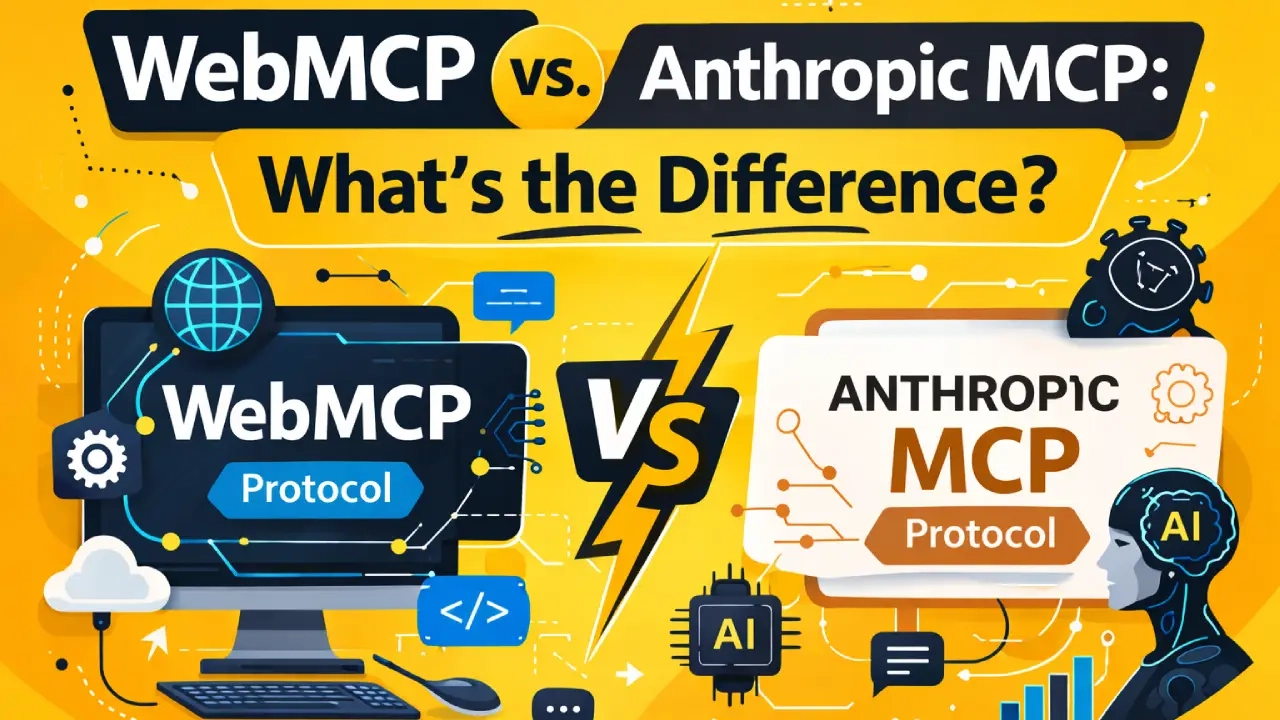
Two protocols with similar names are causing a lot of confusion. WebMCP — the new W3C browser standard from Google and Microsoft — sounds a lot like MCP, Anthropic’s Model Context Protocol. They share conceptual DNA but are architecturally different tools that solve different problems.
This post clarifies exactly what each protocol does, where each one fits, and — importantly — how they can work together.
Short answer
- Anthropic MCP: Backend protocol. Connects AI platforms (Claude, GPT) to server-side services via JSON-RPC. You run a server.
- WebMCP: Browser-native standard. Lets any webpage expose callable tools to in-browser AI agents. Runs client-side.
- They are complementary. A well-architected AI-ready website can use both.
Anthropic MCP: What It Is
Anthropic’s Model Context Protocol (MCP) is an open protocol that lets AI models connect to external tools and data sources through a standardized server interface. Think of it as a plugin system for AI assistants.
When Claude or another AI platform uses MCP, it connects to an MCP server you deploy. That server exposes tools — functions the AI can call to retrieve data, take actions, or interact with external services. The communication uses JSON-RPC over stdio or HTTP.
Common MCP server use cases:
- Connecting Claude to a company’s internal database or CRM
- Giving an AI assistant access to file systems, GitHub, Jira, Slack
- Providing AI platforms with real-time data feeds (weather, stock prices)
- Exposing business logic from a backend API to AI models
Anthropic MCP runs on the server. The AI platform reaches out to your server to call tools. Your website users never interact with the MCP server directly.
WebMCP: What It Is
WebMCP is a W3C Community Group standard (developed by Google and Microsoft) that lets webpages expose tools to AI agents operating inside a browser tab. The key difference: it runs entirely client-side.
Instead of deploying a separate server, you annotate your existing website with tool definitions using the navigator.modelContext API or HTML form attributes. The browser acts as the intermediary — it translates your tool definitions into a format that in-browser AI agents can discover and call.
WebMCP use cases:
- An AI browser agent completing a booking on your website
- A user’s AI assistant searching your product catalog and adding items to cart
- An agent filling out a quote request form on behalf of a business owner
- An AI copilot helping a user navigate a complex SaaS dashboard
Side-by-Side Comparison
| Dimension | Anthropic MCP | WebMCP (W3C) |
|---|---|---|
| Where it runs | Server-side (Python, Node) | Client-side (browser JS) |
| Who developed it | Anthropic (open spec) | Google + Microsoft, W3C |
| Protocol | JSON-RPC over stdio/HTTP | postMessage / browser APIs |
| Who calls the tools | AI platforms (Claude, GPT) | In-browser AI agents |
| User must be present | No (server-to-server) | Yes (in browser session) |
| Deploy infrastructure | Yes — MCP server required | No — just JS/HTML on your page |
| Auth model | OAuth, API keys on server | Browser session (same-origin) |
| Status | Production (widely adopted) | Early preview (Chrome 146) |
How They Work Together
A sophisticated AI-ready business can deploy both simultaneously — they serve different interaction contexts.
Architecture example: Travel Company
Anthropic MCP server: Connects Claude and ChatGPT desktop assistants to the backend booking API. When a user asks their AI assistant to search flights, the AI calls the MCP server directly — no browser involved.
WebMCP on the website: When the same user opens the company website in Chrome and their browser agent assists them, it calls the WebMCP searchFlights() tool registered on the page.
Same underlying data. Two different interaction channels. Both working simultaneously.
The same logic applies to any service business:
- Anthropic MCP: lets Claude integrations, VS Code extensions, or custom AI tools access your data via a backend server
- WebMCP: lets browser-based AI agents (Chrome agents, Edge agents) take action on your site during a live user session
Think of it as two doors into the same building — one for direct AI platform integrations, one for in-browser agent workflows.
Which Should You Implement First?
For most businesses, start with WebMCP. Here is why:
- No server infrastructure required — it is just HTML attributes and JavaScript on your existing site
- Chrome 146 early preview is live now — you can implement and test today
- Immediate benefit: your highest-value actions (booking, quote, audit) become agent-callable
- Lower complexity: Declarative API is two HTML attributes
Add Anthropic MCP when you need AI platforms to access your data independently of a browser session — typically relevant for enterprise integrations, AI assistant partnerships, or custom Claude/GPT tooling.
Common Misconceptions
- “WebMCP replaces Anthropic MCP.” False — they operate at different layers and solve different problems.
- “I need to choose one or the other.” False — they are complementary. Many well-architected systems will use both.
- “WebMCP requires an AI platform to use.” False — WebMCP tools are exposed to any in-browser agent, regardless of which AI platform is behind it.
- “Anthropic MCP is a W3C standard.” False — Anthropic MCP is an Anthropic-developed open spec. WebMCP is the W3C standard.

Ready to implement WebMCP?
We implement both WebMCP (for browser-based agent readiness) and can advise on Anthropic MCP server architecture. Start with a free WebMCP Readiness Audit.
Get WebMCP Readiness AuditRelated Reading
- What Is WebMCP? Complete Guide
- WebMCP Imperative API Guide
- WebMCP Implementation Services
- Technical SEO Services