Last updated October 23, 2026. Written by the Salam Experts technical SEO and web development team.
We run a single Contabo server that hosts more than 100 domains. It has 4 AMD EPYC cores, about 6 GB of RAM, and a Virtualmin control panel on Ubuntu. For the same money, shared hosting would give us a fraction of that computing power.
The catch is that nobody runs it for us. If you can manage a server, a VPS or VDS is one of the best value options for WordPress. If you cannot, it is one of the easiest ways to end up with a slow, hacked, or broken site. This guide explains the difference between shared hosting, VPS, and VDS, what you take on, and how to decide.
Disclosure: the Contabo link on this page is an affiliate link. If you buy through it, we may earn a commission at no extra cost to you. We use Contabo ourselves. Specs and prices were checked on Contabo’s own pages on October 23, 2026, and change often.
The short answer
- One or a few ordinary WordPress sites, no server skills: stay on managed or shared WordPress hosting. Our hosting guide for Core Web Vitals covers the options.
- Many sites, an agency, or a heavy site, and you can administer Linux: a VPS gives the most computing power per dollar.
- Steady performance matters, such as a busy store or a database that must stay fast: look at a VDS, where CPU and RAM are reserved for you.
VPS vs VDS: what is the difference?
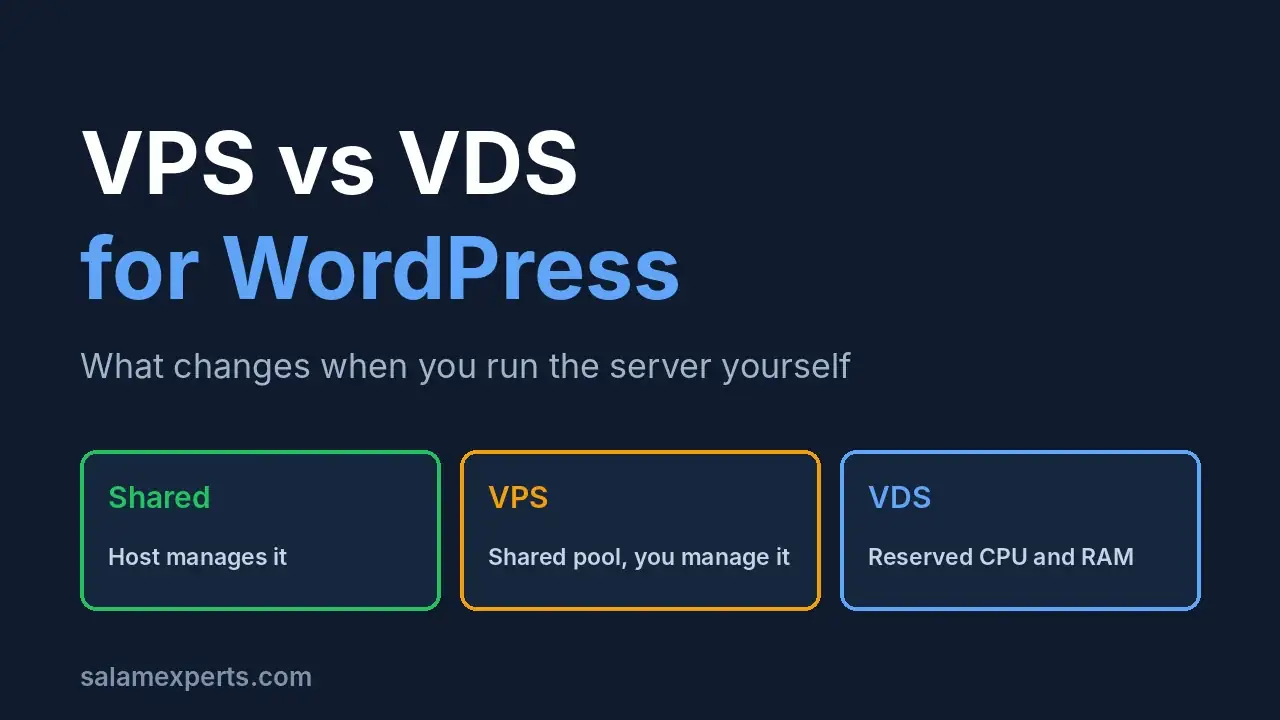
Both are virtual machines running on a provider’s physical hardware. The usual distinction is how resources are allocated. On a VPS (virtual private server), CPU, memory, and storage come from a pool shared with other customers. On a VDS (virtual dedicated server), CPU cores and RAM are reserved for one customer. Cherry Servers explains this split in detail.
One warning: these labels are not standardized. Some providers use VPS and VDS interchangeably, and others separate them by virtualization type. Always read what a specific provider promises about CPU and RAM, not just the label.
| Shared hosting | VPS | VDS | |
|---|---|---|---|
| Resources | Shared, limited by the host | Allocated from a shared pool | CPU cores and RAM reserved for you |
| Noisy neighbors | Most exposed | Possible under heavy neighbor load | Much less exposed |
| Who manages the server | The host | Usually you (unmanaged is common) | Usually you (check the provider) |
| Cost | Lowest | Low to medium | Higher per core and per GB of RAM |
| Best for | Small sites, beginners | Agencies, many sites, staging | Busy stores, databases, steady load |
What Contabo actually offers
Contabo sells both. According to its VPS page, Cloud VPS runs on AMD EPYC processors with SSD or NVMe storage, 32 TB of outbound transfer in most locations, and unlimited inbound traffic. Its VDS page says the CPU cores and RAM are “exclusively reserved” for your use, with NVMe storage included.
As an example, the Cloud VDS S plan lists 3 physical cores, 24 GB of RAM, and 180 GB of NVMe storage, with regional prices from about 8.10 euros up to 15.50 euros depending on the location. Prices and billing terms change, so check Contabo’s current plans before you decide.
Contabo lets you pick a data center close to your audience. That matters for loading speed, and it is something many shared hosts do not offer. If you want to see how server location and caching affect speed, read our guide to Core Web Vitals optimization.
Our setup: one server, 100+ domains, Virtualmin
Our server runs Ubuntu Linux with the Apache web server, MariaDB, Postfix for mail, and Virtualmin GPL as the control panel. Virtualmin lets us create a separate virtual server for each domain, with its own users, databases, and PHP settings, and it runs more than 100 of them on one machine.
Virtualmin’s install page offers a downloadable GPL edition and a paid Pro edition, and recommends installing on a fresh, supported operating system such as Debian, Ubuntu LTS, or Rocky Linux. It is not WordPress-specific, which is fine, but it also does not tune WordPress for you.
Why this works for us: the sites are ours and our clients’, we control the PHP versions per site, and we can move or restore a domain without waiting on a support queue. Why it would not work for most people: every update, backup, and security fix is our job.
What you take on when you manage the server
- Security. Lock down SSH, use keys instead of passwords, disable root login, keep a firewall on, and treat any deployment key or token as a high-value secret. A server with full root access is a bigger target than a locked-down shared account.
- Updates. You patch the operating system, the web server, the database and PHP. PHP in particular matters: the official PHP supported versions page shows that old branches such as 7.4 are no longer supported, and even 8.3 is in security-fix-only mode. Plan upgrades, test them on staging and do not leave unsupported versions running.
- Backups. Do not rely on the provider alone. Keep off-server backups and test a restore.
- Email. Running your own mail is a full job. SPF, DKIM, DMARC and reverse DNS must be right or messages go to spam. Many people send site mail through a transactional email service instead.
- Caching and tuning. A fresh VPS is an empty server. Without page caching, a tuned PHP setup and a database that is not starved of memory, it can be slower than good managed hosting.
- Monitoring and abuse. If your server is compromised and starts attacking others, the provider can suspend it. You need alerts for CPU, memory, disk and unusual traffic.
Will a VPS or VDS improve Core Web Vitals?
It can help LCP by lowering server response time, but it is not automatic. Hosting mainly affects loading, while INP and CLS depend on your theme, plugins, images, and scripts (see the thresholds on web.dev). A well-tuned VPS can match good managed hosting. A badly tuned one will not.
We have not run a controlled speed test between our VPS and managed hosts, so we will not claim a winner. What we have measured is that moving a client site to SiteGround took its mobile Core Web Vitals from poor to good, which we cover in our Core Web Vitals hosting guide. If you want results without managing a server, that is the simpler route.
How to choose
- Count your sites and traffic. One brochure site rarely needs a server of its own. Dozens of sites or a busy store might.
- Be honest about skills. Can you secure SSH, read logs, restore a database, and fix a failed update at 2 a.m.? If not, pay for managed hosting.
- Decide how steady performance must be. If a slow minute costs sales, choose reserved resources (VDS) or managed hosting.
- Pick a location near your visitors.
- Test before moving. Migrate to staging first and follow our WordPress migration SEO checklist so rankings are not hurt by the move.
VPS and VDS FAQ
Is a VDS faster than a VPS?
Average speed can be similar, but a VDS is more consistent because its cores and RAM are reserved for you. A VPS can slow down when neighbors are busy.
Is a VPS better than shared hosting for WordPress?
It offers more resources and control, but only if someone manages it. For a single small site, managed or shared hosting is usually easier and safer.
Is Contabo good for WordPress?
It gives a lot of computing power for the price and a choice of locations, and we use it for our own sites. It is unmanaged hosting, so you handle setup, security, and tuning.
Do I need a control panel?
Not strictly, but a panel such as Virtualmin makes hosting many domains much easier. Choose one that supports your operating system.
Can you set up and manage a server for me?
Yes. Our WordPress speed optimization services include server review and tuning, and we can help you move to the right hosting for your site.
Sources
- Contabo Cloud VPS and Contabo Cloud VDS
- Cherry Servers: VDS vs VPS
- Virtualmin download page
- PHP supported versions
- web.dev: Web Vitals